

Workspaces
Workspaces keep forms apart: one for each team, client or project. Each workspace has its own forms and its own members, and everyone in a workspace can build its forms and see every response.
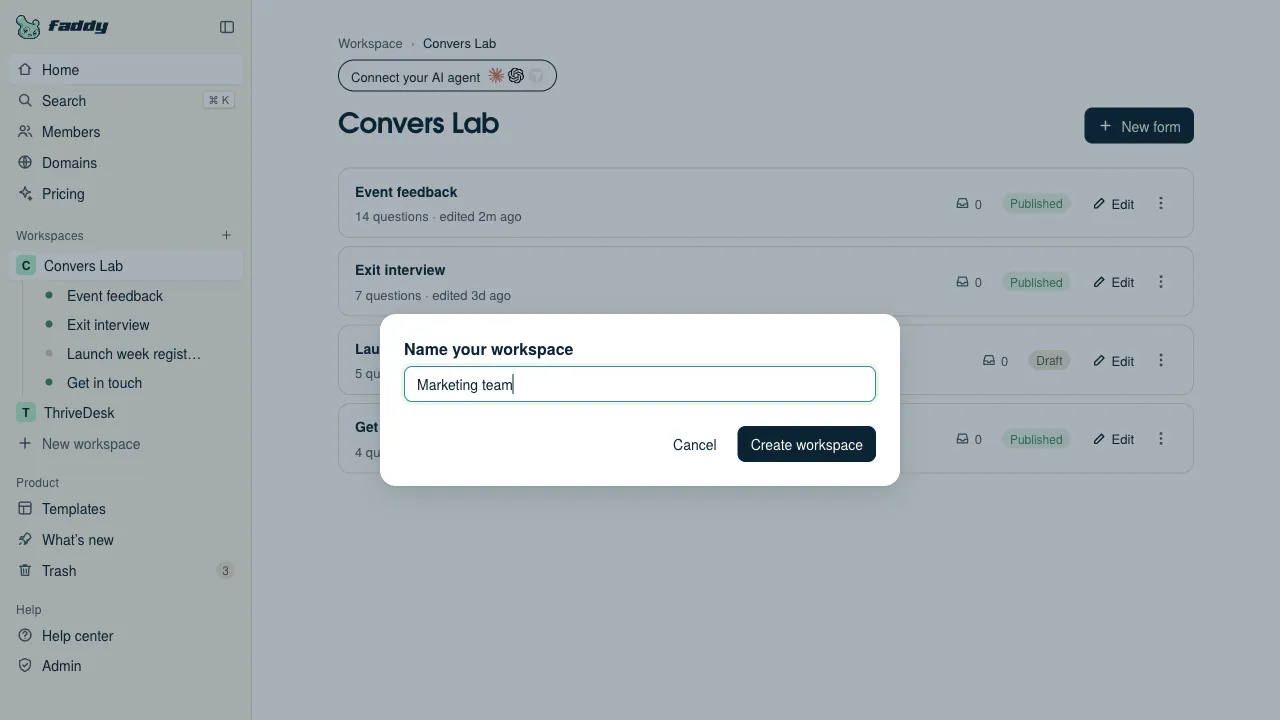
Create a workspace
- In the sidebar, click + next to Workspaces, or New workspace at the bottom of the list.
- Name your workspace.
- Click Create workspace.
Your workspaces are listed in the sidebar, each with its forms under it. Click the arrow next to a workspace to show or hide them.
Manage a workspace
A workspace’s settings have three tabs: General, Members and Domains. Add people under Members; see Invite team members.