

Invite team members
Invite your team to a workspace and build forms together. Everyone in a workspace can build its forms and see every response.
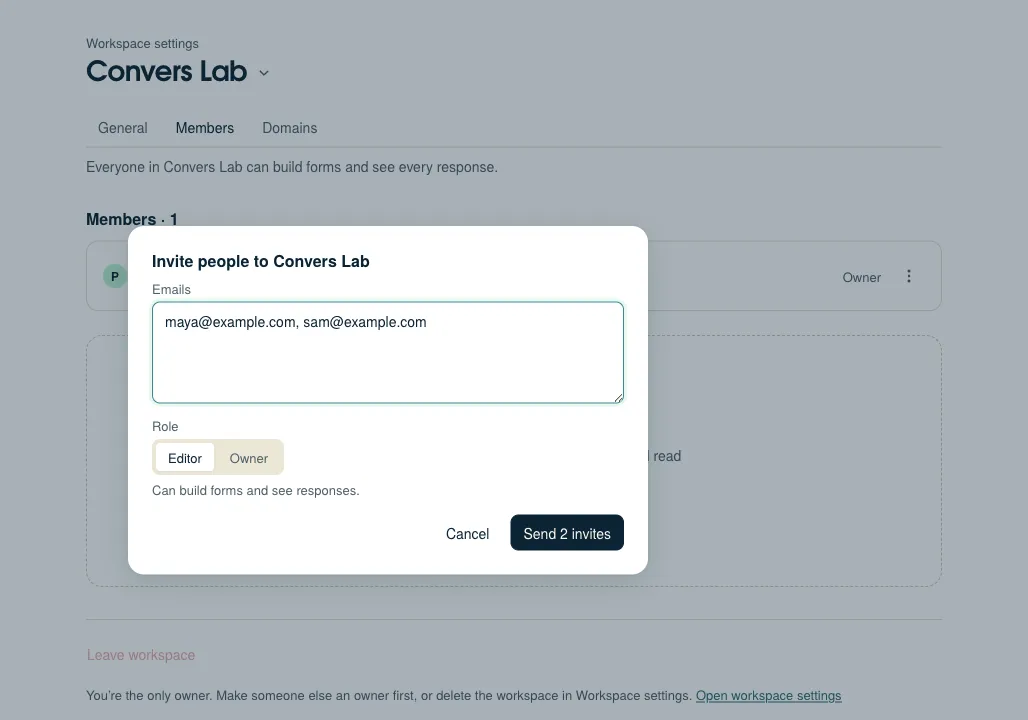
Invite people
- Open Members in the sidebar, or the Members tab in your workspace’s settings.
- Click Invite people.
- Type one or more email addresses, separated by commas.
- Choose a role, then click Send invites.
Each person gets an email with a link to join.
Roles
- Editor: can build forms and see responses.
- Owner: can also manage the workspace and its members.
A workspace always needs an owner. To leave a workspace you own, make someone else an owner first.
To keep some forms away from part of your team, put them in a separate workspace.