

Mention answers
Mentions repeat an earlier answer later in the form. Greet people by name, confirm the email you’ll write to, or show a score at the end. Other form builders call this answer piping.
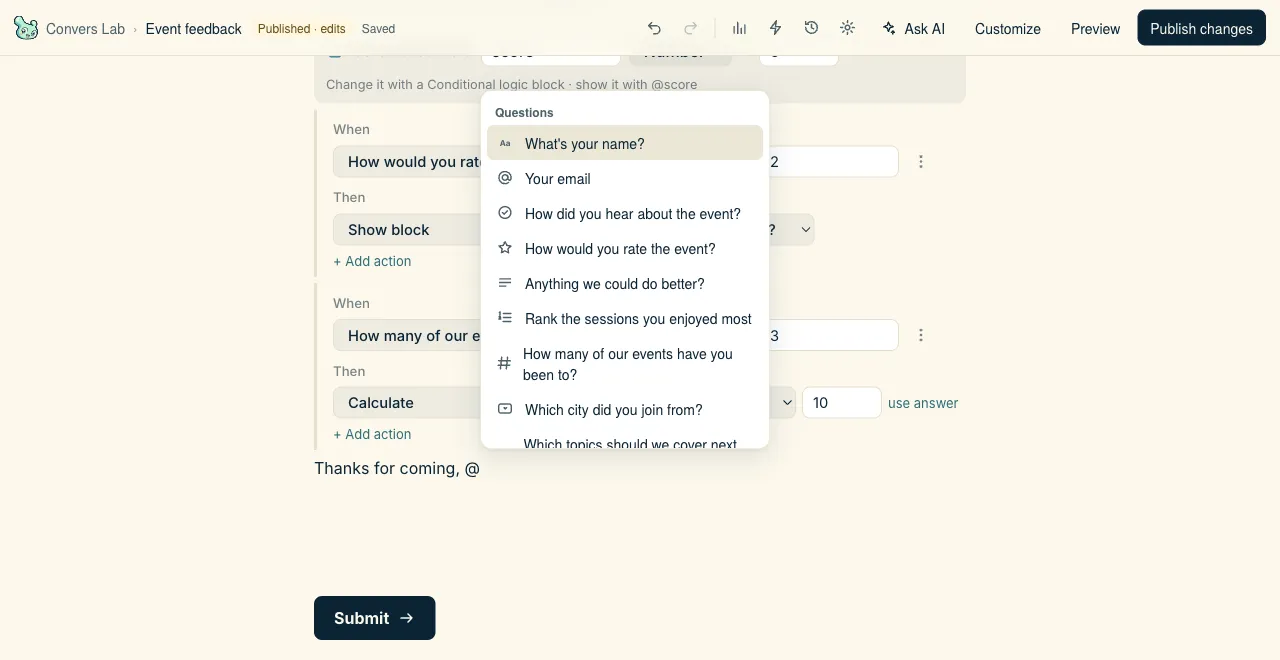
Mention an answer
Click where you want the answer to appear, in a question title, a description or a Text block, and type @. Pick from the menu:
- Questions: any question in the form
- Calculated fields: such as a score or total
- Hidden fields: values from the form’s link
The mention shows as a tag in the editor. Respondents see the answer in its place.
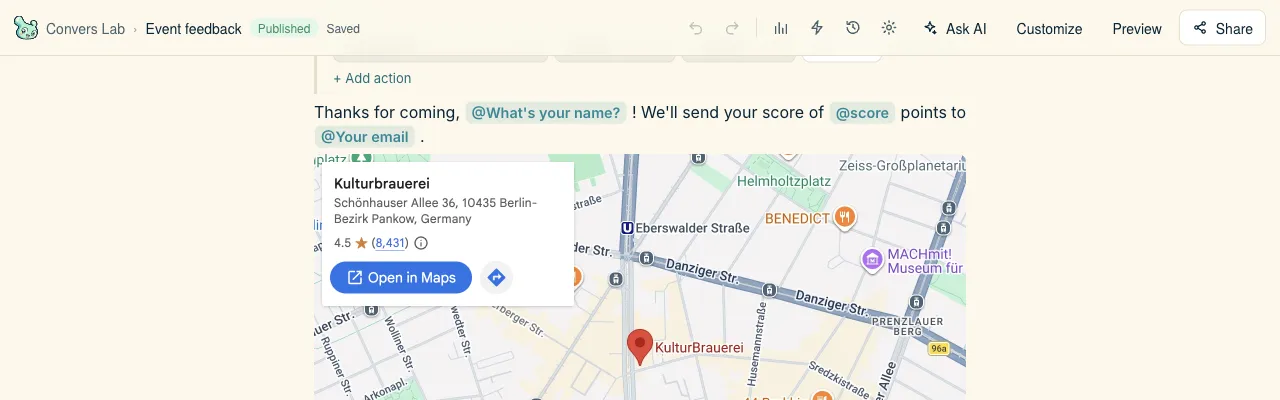
A mention stays empty until the question it points to has an answer, so put it after that question, on a later page or on the thank-you page.