

Email notifications
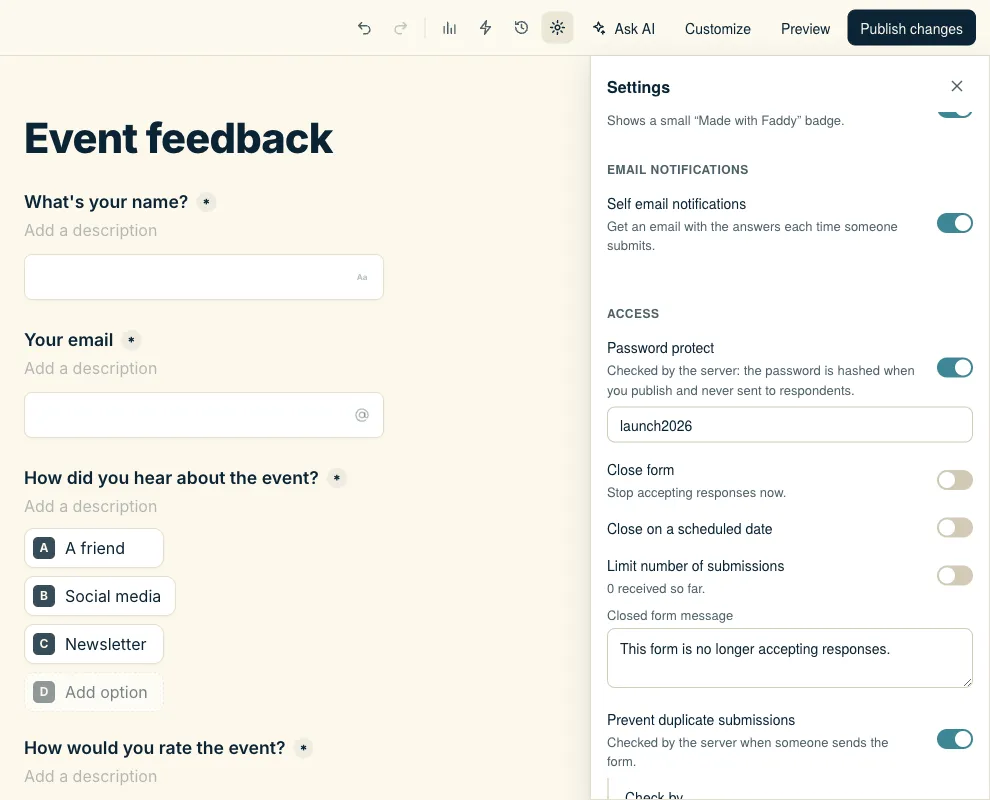
Turn on email notifications and Faddy emails you the answers each time someone submits your form, so you can reply to people quickly without checking the console.
Turn them on
- In the editor, click the settings icon in the top bar.
- Under Email notifications, turn on Self email notifications.
Notifications go to the email address of your Faddy account, shown under the switch.
Get responses somewhere else
Want new responses in your team chat instead? Post them to Slack or Discord from the form’s Integrations tab, or send them anywhere with a webhook. See Connect your tools.