

Bulk insert options
Typing a long list of options one by one is slow. Bulk insert lets you paste them all at once: countries, products, team names, time slots.
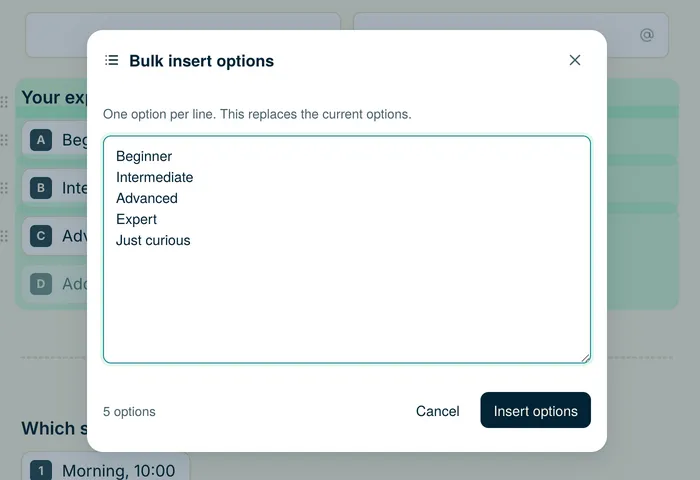
Paste your list
- Click in a multiple choice, dropdown or multi-select question.
- Press ⌘ ⇧ O, or click the ⋮⋮ handle and pick Bulk insert options.
- Paste or type your options, one per line. The dialog counts them as you go.
- Click Insert options.
The list replaces the question’s current options. The dialog opens with those options already in it, so you can add to them or edit them there.