

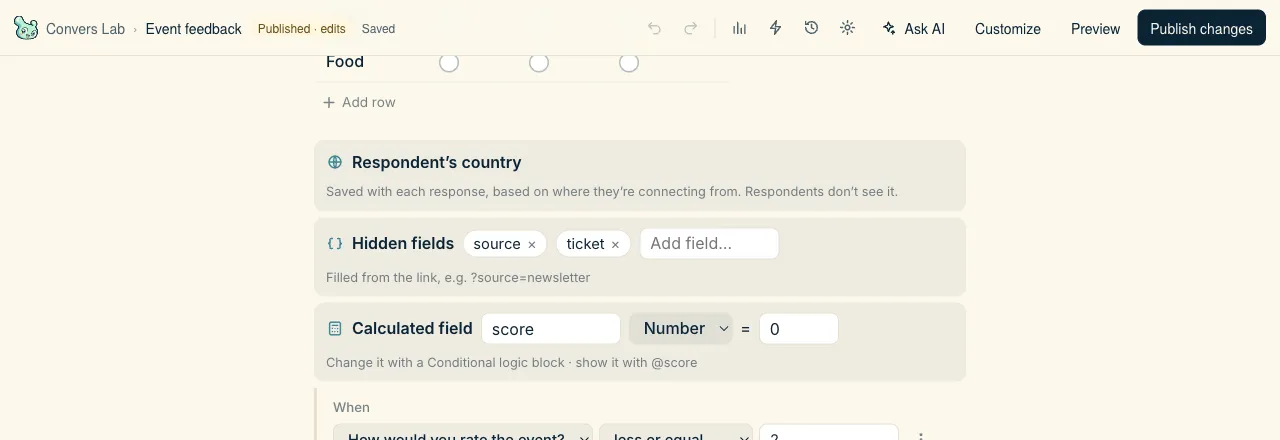
Respondent’s country
The Respondent’s country block records which country each response comes from, without adding a question to your form.
Add it
Type /country and press Enter. That’s all: the block is saved with each response, based on where the respondent is connecting from. Respondents don’t see it.
You’ll find the country with each response in Submissions, next to the answers.
The country comes from the respondent’s connection, so someone on a VPN shows up in the VPN’s country. If you need to be sure, ask with a dropdown instead.