

Delete and recover forms
Deleting a form moves it to Trash, where you can bring it back. Deleting submissions is a separate step, in the form’s Submissions tab.
Delete a form
- Open your workspace and click ⋮ next to the form, or the ⋮ next to its name on the form’s page.
- Pick Delete, then Move to Trash.
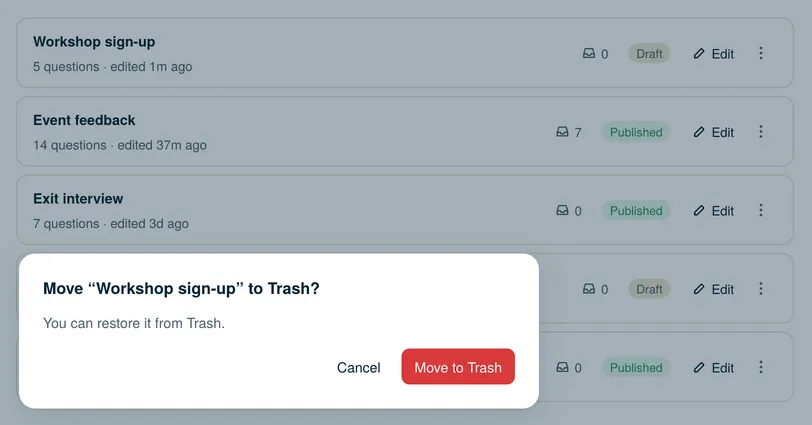
A deleted form stops accepting responses right away.
Recover a form
Click Trash in the sidebar to see your deleted forms. Click Restore to bring one back as it was: the same link and the same submissions.
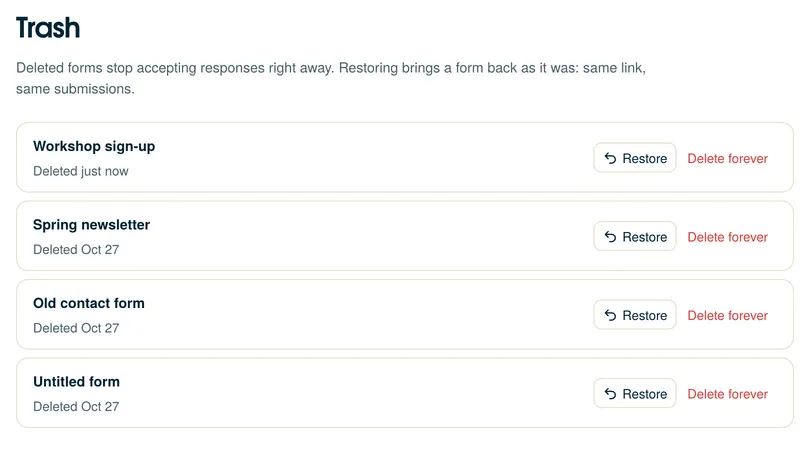
Delete forever removes a form from Trash for good. You can’t restore it after that.
Delete submissions
- Open the form’s Submissions tab.
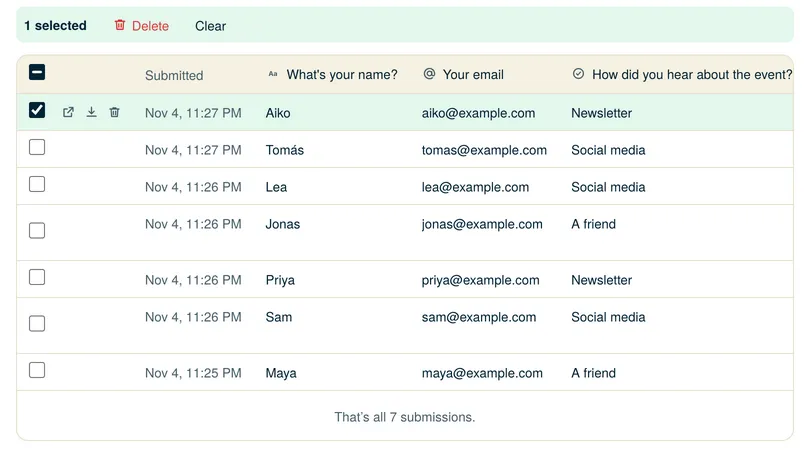
- Tick the submissions to remove, or tick the box in the header to select every row.
- Click Delete in the bar above the table.
Trash only holds forms, so to keep a copy of your submissions first, click Export CSV.
To delete everything at once, your account, workspace, forms and submissions, see Account settings.