

Create a thank-you page
A thank-you page is the last thing people see, right after they submit. Use it to say thanks, tell them what happens next, or point them to your site.
Add a thank-you page
- Click at the end of your form and type
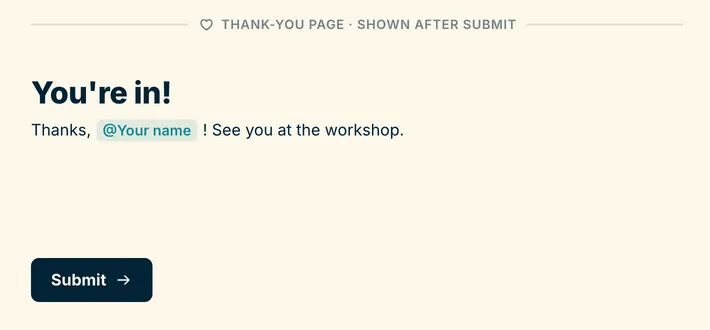
/thank. - Pick Thank-you page. A line marks where it starts: Thank-you page · shown after submit.
- Write your message below that line. Type / to add headings, text, images or video, as anywhere else in the form.
Make it personal
Type @ and pick a question to show its answer, so “Thanks, @Your name!” reads “Thanks, Maya!”. See Mention answers for more, such as showing a quiz score from a calculated field.
Send people somewhere else
To take people to a page on your own site instead, set a link in Redirect on completion. When that’s empty, Faddy shows your thank-you page.