

Remove Faddy branding
Every Faddy form shows a small Made with Faddy badge in the corner. You can turn it off so the form carries only your brand.
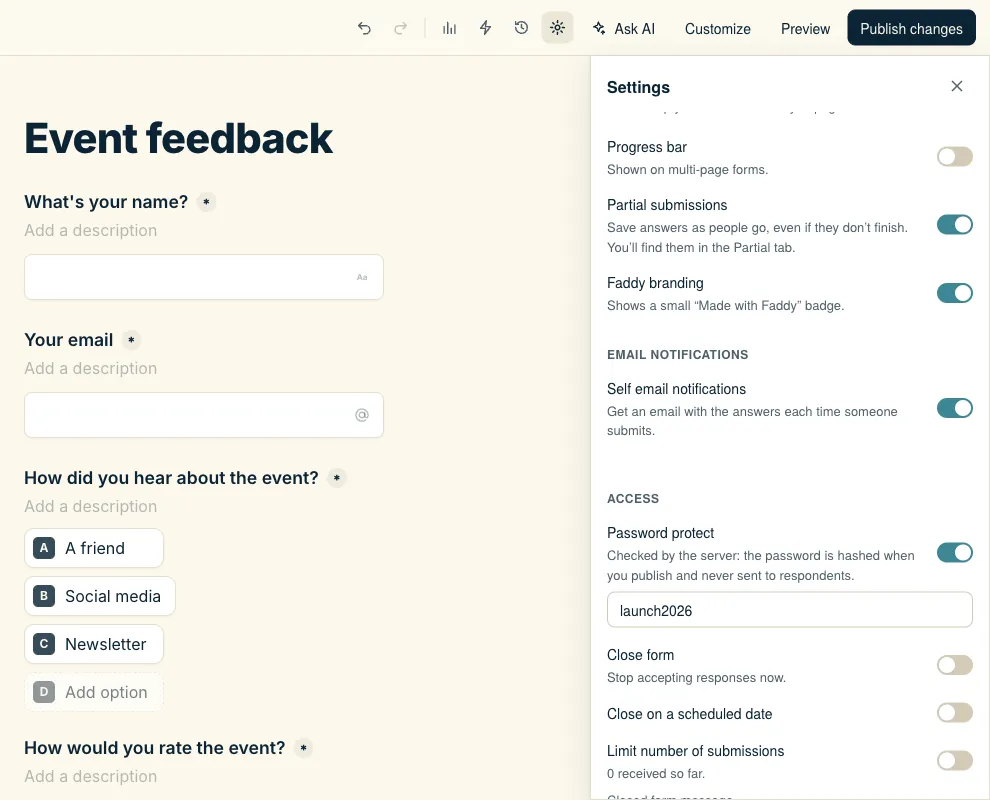
Turn off the badge
- In the editor, click the settings icon in the top bar.
- Under General, turn off Faddy branding.
The badge disappears from the form, wherever you share or embed it. Which plans can turn the badge off is listed on the pricing page.
To go further, customize your form with your own logo, colours and font.