

An email question only accepts email addresses, so a typo like name@gmail doesn’t slip through.
Add an email question
Type /email and press Enter, then write your question.
Settings
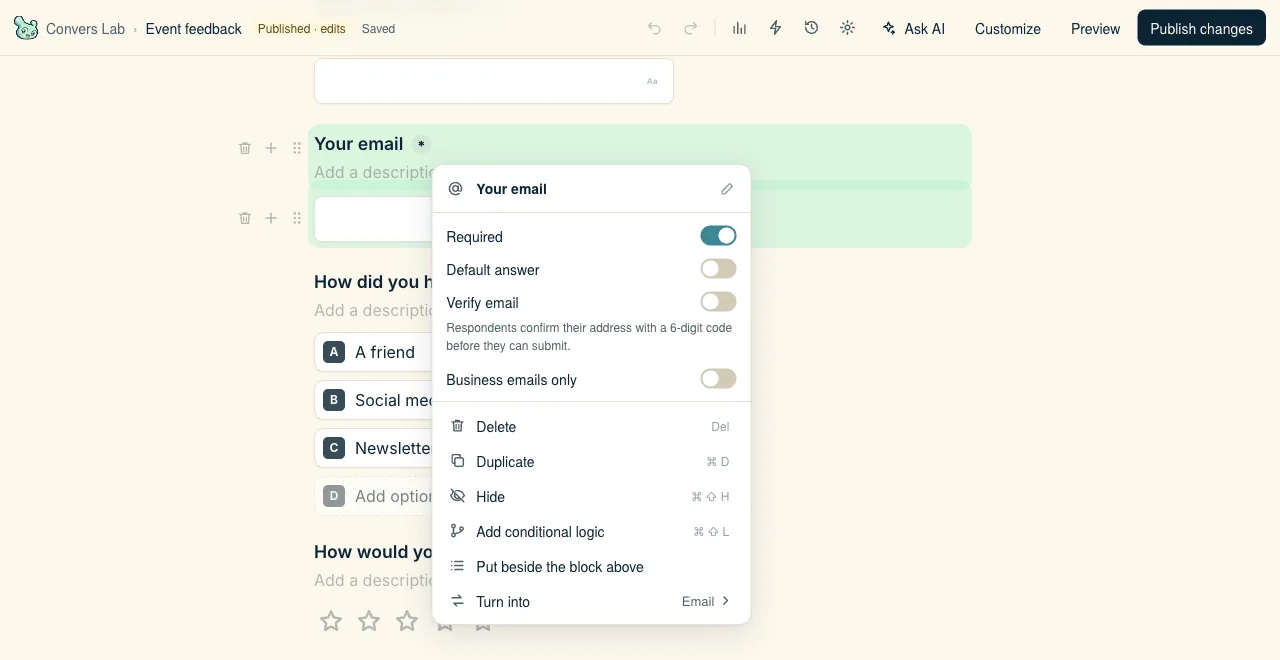
- Required and Default answer
- Verify email: respondents confirm their address with a 6-digit code before they can submit. Use it when you’ll send something to that address, such as a ticket or a download.
- Business emails only: refuses addresses from free email providers, for sign-ups that should come from work accounts.
To greet people by name or send their answers on, mention the answer later in the form or connect an integration.