

Progress bar
A progress bar sits at the top of your form and fills as people move from page to page, so they always know how much is left.
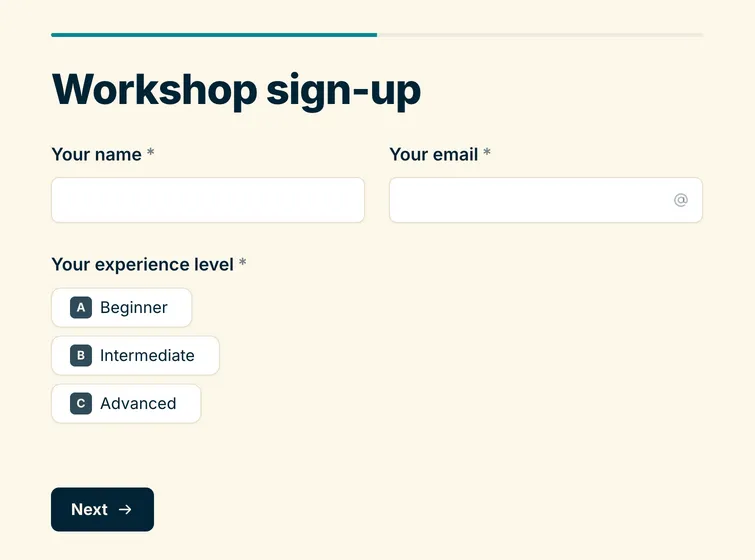
Turn it on
- Open your form’s settings: the settings icon in the editor’s top bar, or the Settings tab on the form’s page.
- Under General, turn on Progress bar.
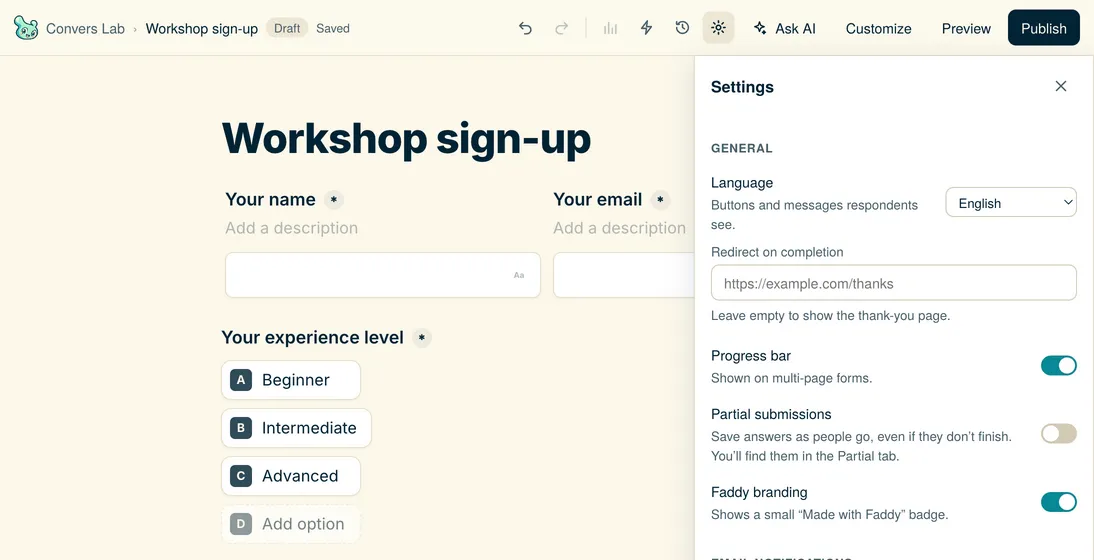
The bar shows on forms with more than one page. To split your form into pages, see Create a multi-page form.