

Supported languages
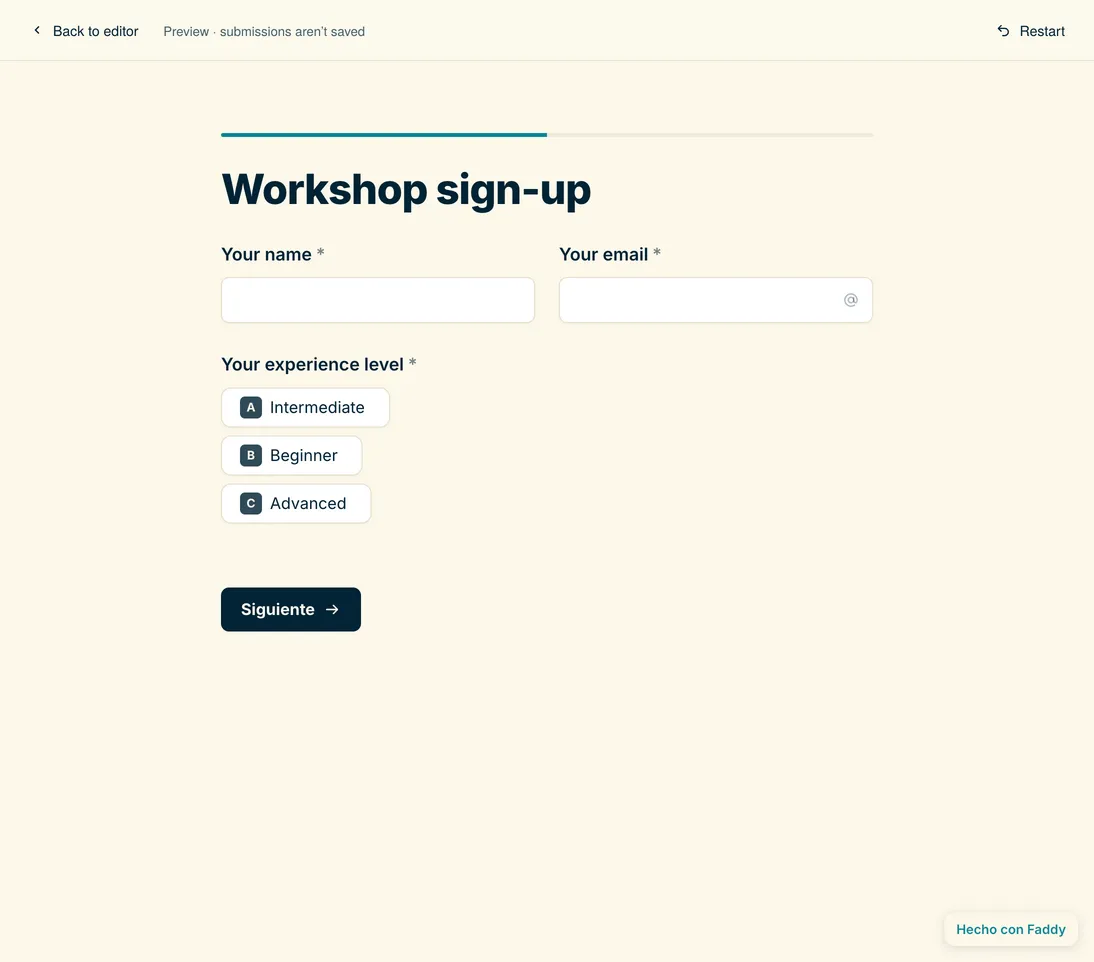
Faddy writes some of the text on your form for you: the Next and Submit buttons, messages and the “Made with Faddy” badge. The form’s language decides what language that text is in.
Change the language
- Open your form’s settings: the settings icon in the editor’s top bar, or the Settings tab on the form’s page.
- Under General, pick a Language: English, Español, Français or Deutsch.
What changes
Only the text Faddy adds changes language. Your title, questions, options and descriptions stay exactly as you wrote them, so write those in the language you pick. A form set to Español shows Siguiente on its button, so its questions should be in Spanish too.